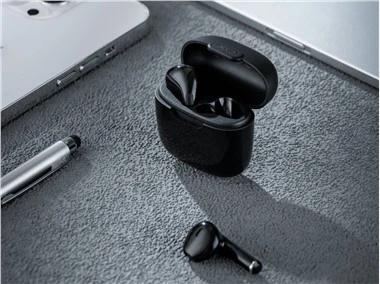
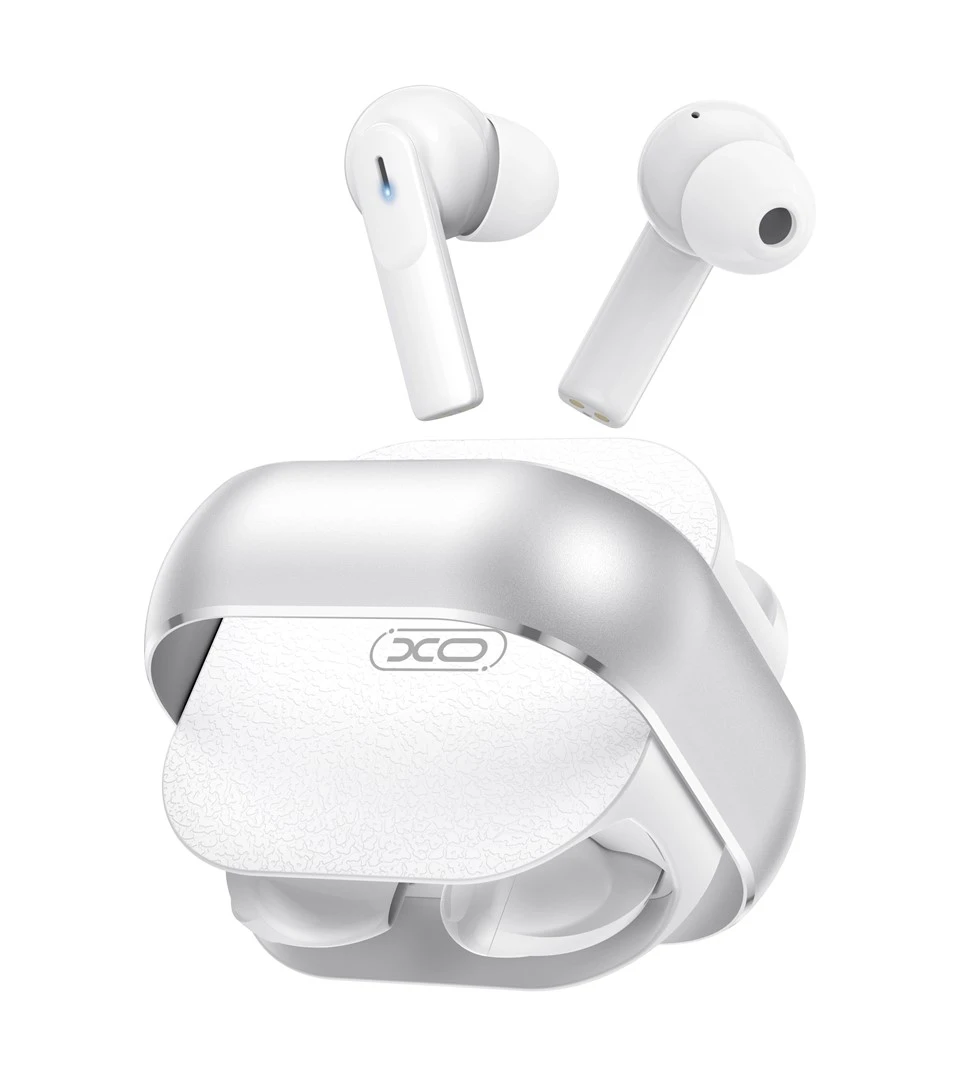


XO-G31 Bluetooth Headset Specifications
Model: XO-G31
Product Type: Bluetooth Headset
Sound System: Stereo
Control Mode: Touch Mode
Active and Passive: Active
Noise Canceling Support:
- In-ear models: ENC call noise canceling
- Flat head models: Do not support noise canceling
- Bluetooth Program: JL6973
- Bluetooth Version: 5.3
- Supported Bluetooth Protocols: HFP, HSP, A2DP, AVRCP
- Bluetooth Operating Frequency: 2.402 GHz - 2.480 GHz
- Bluetooth Effective Distance: ≤ 10 meters (straight line distance)
- Speaker Power: 3 mW
- Headset RF Power Level: Class 2
- Maximum Transmit Power: 8 dB
- Headphone Amplifier Type: Chip built-in
- Frequency Response: 100 Hz - 20 kHz
Speaker Unit:
- In-ear Bluetooth Headset: Φ10 mm @ 32 ohm
- Flat-ear Bluetooth Headset: Φ13 mm @ 32 ohm
Microphone MIC Sensitivity:
- In-ear Bluetooth Headset: -39 dB ± 2
- Flat-ear Bluetooth Headset: -39 dB ± 3
Built-in Battery:
- In-ear: Li-ion 3.7V 25 mAh
- Flat-ear: Li-ion 3.7V 30 mAh
- Charging Compartment: 400 mAh polymer
Music Time:
- In-ear: Approx. 4 hours (80% volume, normal mode)
- Flat-ear: Approx. 5 hours (80% volume, normal mode)
- Talk Time: Approx. 3.2 hours (80% volume)
- Standby Time (Connected): Approx. 50 hours
- Charging Input Standard: 200 mA (supports wireless charging)
Charging Time:
Headset: About 1.3 hours
Charging Compartment: About 2 hours (wireless charging about 3 hours)
Product Accessories:
- Data Cable: 1
- Ear Caps: 1
- Battery Cycle Life: Charge and discharge cycle ≥ 300 times
- Size: 56.6 mm x 56.5 mm x 18.2 mm
Weight:
- Charging Compartment: 39 g
- In-ear Headset: 6 g
- Flat Ear Headset: 6 g
- Total Weight: 51 g
Operation / Function:
- Switch On/Off: Headphones turn on when removed from the charging compartment; turn off when placed back in the compartment.
- Play/Pause: Click the left/right ear touch key.
- Volume Up: Double-click the right ear touch key.
- Volume Down: Double-click the left ear touch key.
- Previous Song: Triple-click the right ear touch key.
- Next Song: Triple-click the left ear touch key.
- Siri: Long press the left/right ear touch key for 2 seconds.
- Game/Music Mode Switching: Four clicks on the left/right ear touch key.
- Pairing: Headset automatically enters pairing mode after powering on, waiting for the phone to search for the connection.
- Answer/Hang Up Call: Click the left/right ear touch key.
- Reject Calls: Long press the left/right ear touch key for 2 seconds.
- Charging Compartment to Charge Headset: Emerald green light on for 4 seconds, then off.
- Charging Compartment Charging: Emerald green light flashes at 1 Hz during charging; fully charged indicator stays on.

Hot Tags: xo g31 tws bluetooth headset, China, suppliers, manufacturers, factory, customized, wholesale, cheap, bulk